Quick answer
If your paycheck seems to be missing hours, first check the pay period dates, actual hours worked, unpaid breaks, overtime approvals, shift differentials, and any pending timecard edits. Then send payroll a short, specific message with the dates you want checked.
First, check the boring details. They are usually where the answer hides.
When a paycheck looks short, it is tempting to jump straight to the worst explanation. Sometimes that is justified. Often, though, the missing piece is smaller: the pay period ended before your last shift, a break was deducted differently, a manager edit is waiting, or overtime landed in a way you did not expect.
Before you contact payroll, gather:
- The pay period start and end dates on the paystub.
- Your actual clock-in and clock-out times, not only the posted schedule.
- Breaks that were unpaid, changed, missed, or manually adjusted.
- Any overtime hours and the workweek they belong to.
- Shift differentials such as night, weekend, holiday, or charge shifts.
- Notes about call-offs, sick time, PTO, extra shifts, or late changes.
What to track when hours are missing
Think of your record as a small receipt for your time. You do not need a dramatic dossier. You need a clean set of facts that makes the conversation easier.
- Pay period dates. A shift on Sunday night may feel like “this paycheck,” but payroll may cut off earlier.
- Actual hours. The schedule says what was planned. Your paycheck is supposed to reflect what counted.
- Breaks. A 30-minute unpaid break, or a break that was entered when you worked through it, can change the number quickly.
- Edits and approvals. Some workplaces require manager approval for time corrections or overtime.
- Premium pay. Night, weekend, holiday, and role differentials may be listed separately or folded into another line.
If your workplace uses an official timekeeping system, keep using it. ShiftPocket is your personal copy, so you are not trying to remember details two weeks later.
Before you message payroll, make the question easy to answer.
The best message is calm, specific, and easy to verify. You are not writing a courtroom speech. You are giving payroll or your manager a clean place to start.
This tone matters. It lowers the temperature. It also makes you look organized, which is useful even when the issue turns out to be simple.
Where ShiftPocket fits
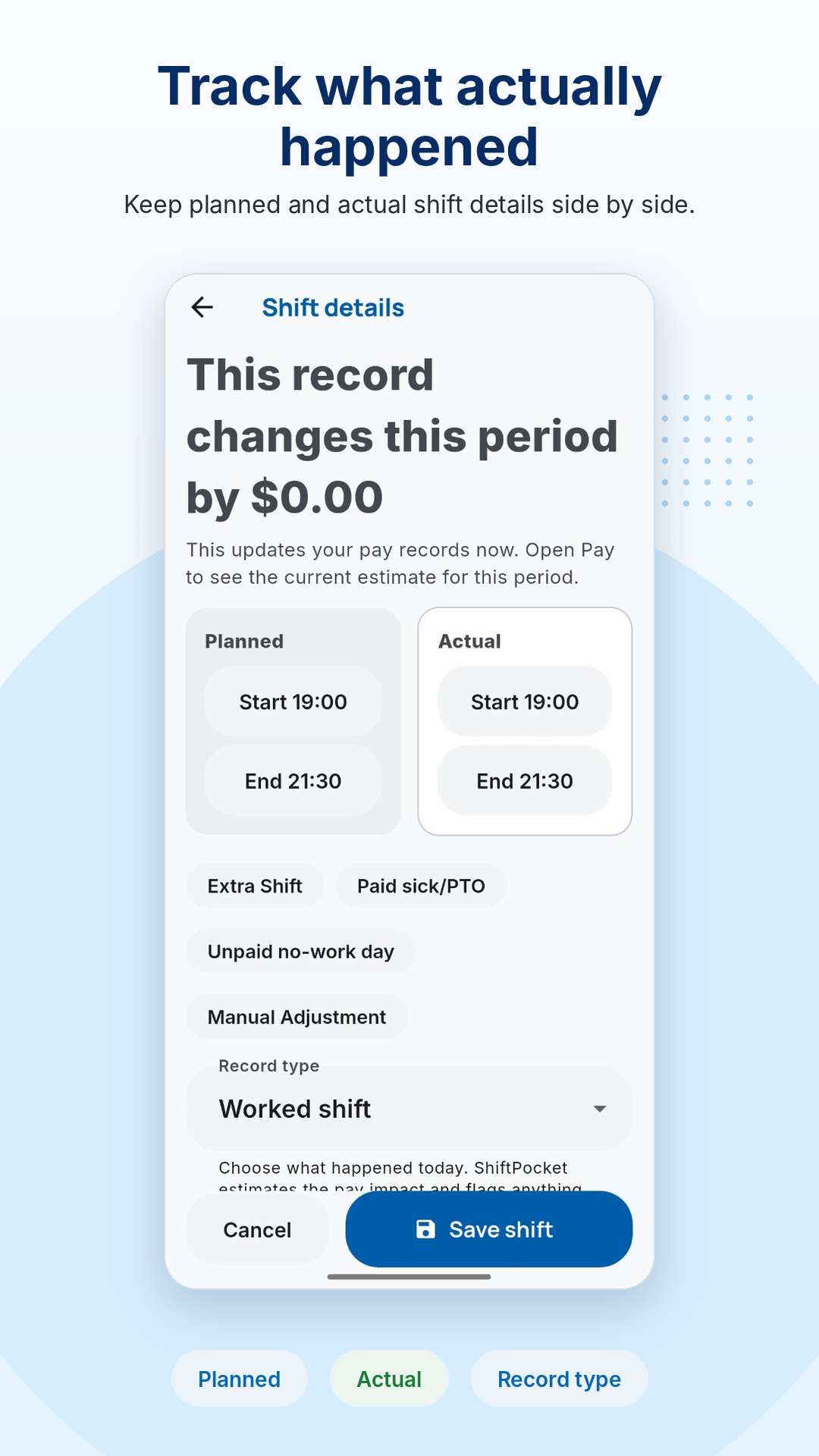
ShiftPocket is built for the moment before you have to ask, “Can someone check my hours?” You can save planned shifts, confirm actual hours, add notes about breaks or changes, and compare your paycheck when it arrives. If you need to keep a copy, Pro can export a clean PDF or CSV report.
Try this before next payday
Make the record while the shift is still fresh.
ShiftPocket helps you keep planned shifts, actual hours, breaks, overtime, differentials, and paycheck checks together, so you are not rebuilding your week from memory.
FAQ
What should I do if my paycheck is missing hours?
Start by comparing the pay period dates, actual clock-in/out times, unpaid breaks, overtime, differentials, and any pending timecard edits. Then contact your manager or payroll with the specific dates and hours you want checked.
Can a pay period cutoff make hours look missing?
Yes. A shift can fall outside the pay period printed on a paystub, especially when schedules cross weekends or midnight. Always check the pay period start and end dates first.
Should I accuse payroll of making a mistake?
It is usually better to ask for a check or correction first. A calm, specific message with dates and hours is easier to resolve.
Can ShiftPocket prove my employer is wrong?
No. ShiftPocket is a personal record and estimate tool. It helps you organize your own information, but your official pay statement and workplace rules remain the source of truth.